mkdocs-quiz


Create interactive quizzes directly in your MkDocs markdown documentation.
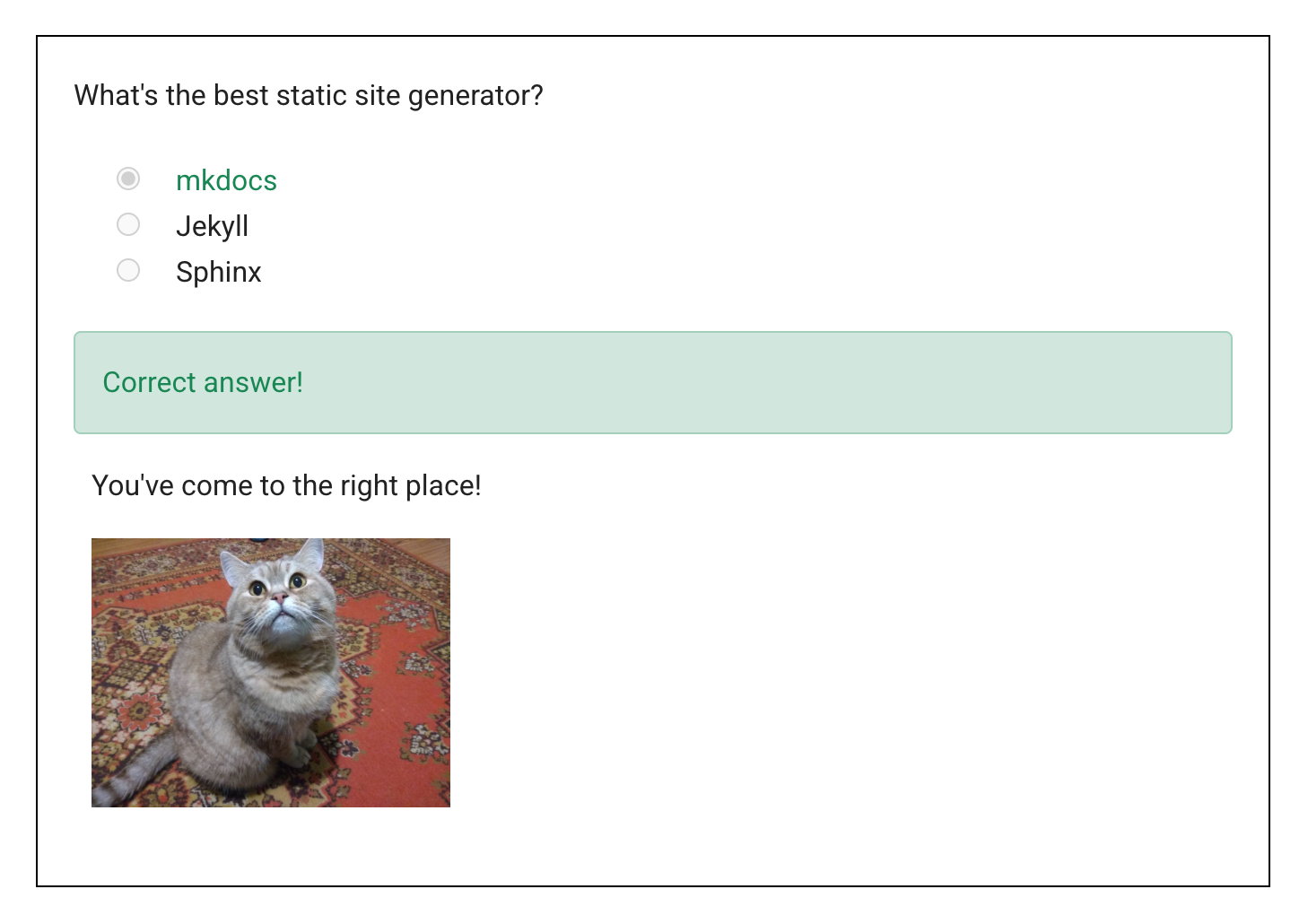
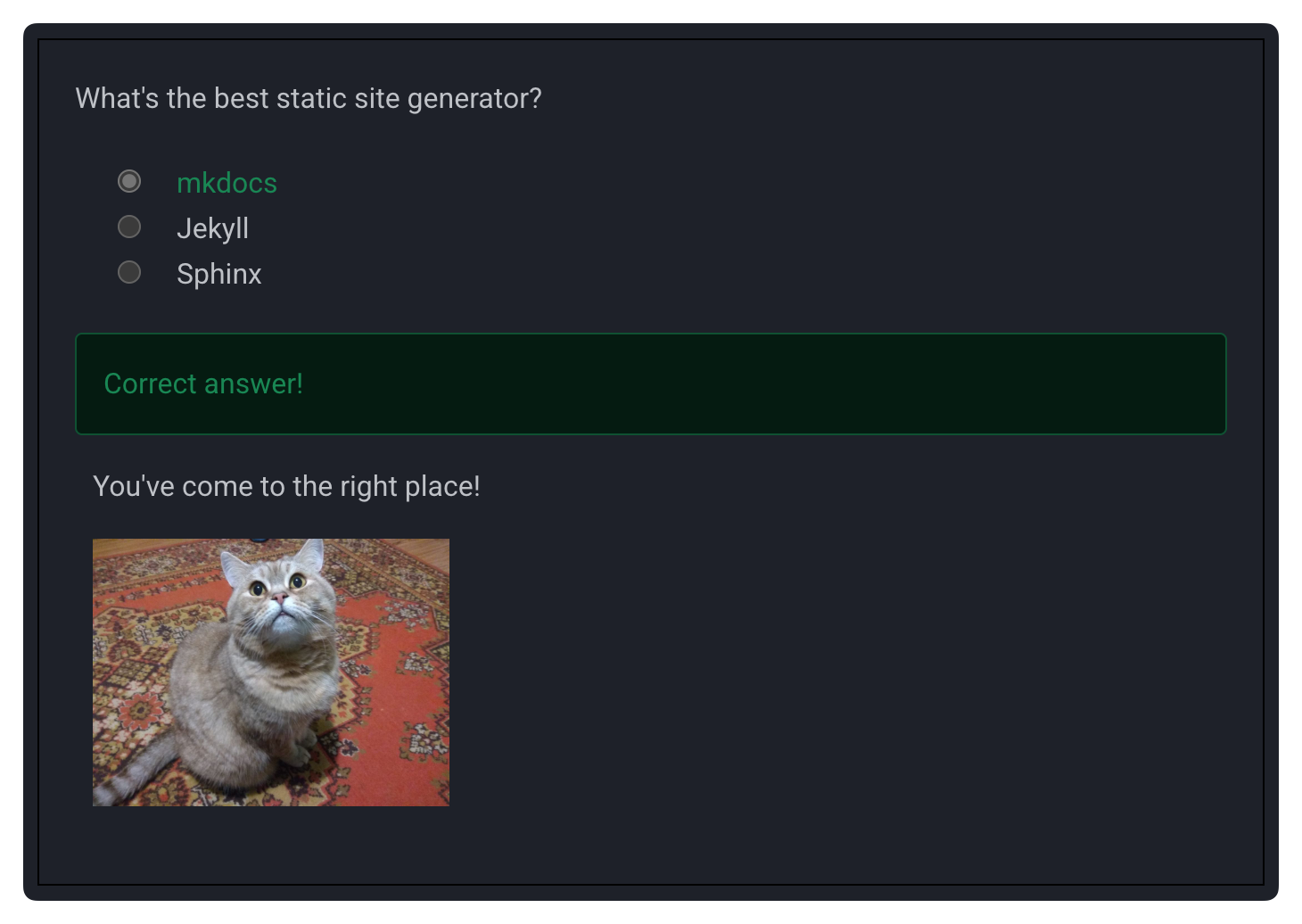
mkdocs-quiz is a plugin for MkDocs that lets you build interactive quizzes inside your markdown documentation, handy for tutorials and educational content.
Quizzes use GitHub-flavoured markdown checkboxes inside a <quiz> block. Mark the correct answers with - [x] and the incorrect ones with - [ ]. Questions with one correct answer become radio buttons, and those with several become checkboxes.
<quiz>
What's the best static site generator?
- [x] mkdocs
- [ ] Jekyll
- [ ] Sphinx
</quiz>
Features:
- Simple markdown syntax using GitHub-flavoured checkboxes
- Multiple quiz types: single choice (radio), multiple choice (checkboxes), and fill-in-the-blank
- Instant feedback marking correct and incorrect answers
- Progress tracking with a sidebar and a results panel
- Results saved to the browser’s local storage
- Internationalisation for multi-lingual sites
- LMS export in QTI format for Canvas, Blackboard, and Moodle
- CLI quiz runner for taking quizzes in the terminal, from local files or deployed sites
The plugin was originally written by Sebastian Jörz. I rewrote it to add the interactive feedback, progress tracking, QTI export, and terminal runner.
See the documentation and source code on GitHub.