Crayon to Car

Photograph a coloured-in Tesla wrap template and get a PNG your car's Paint Shop accepts.
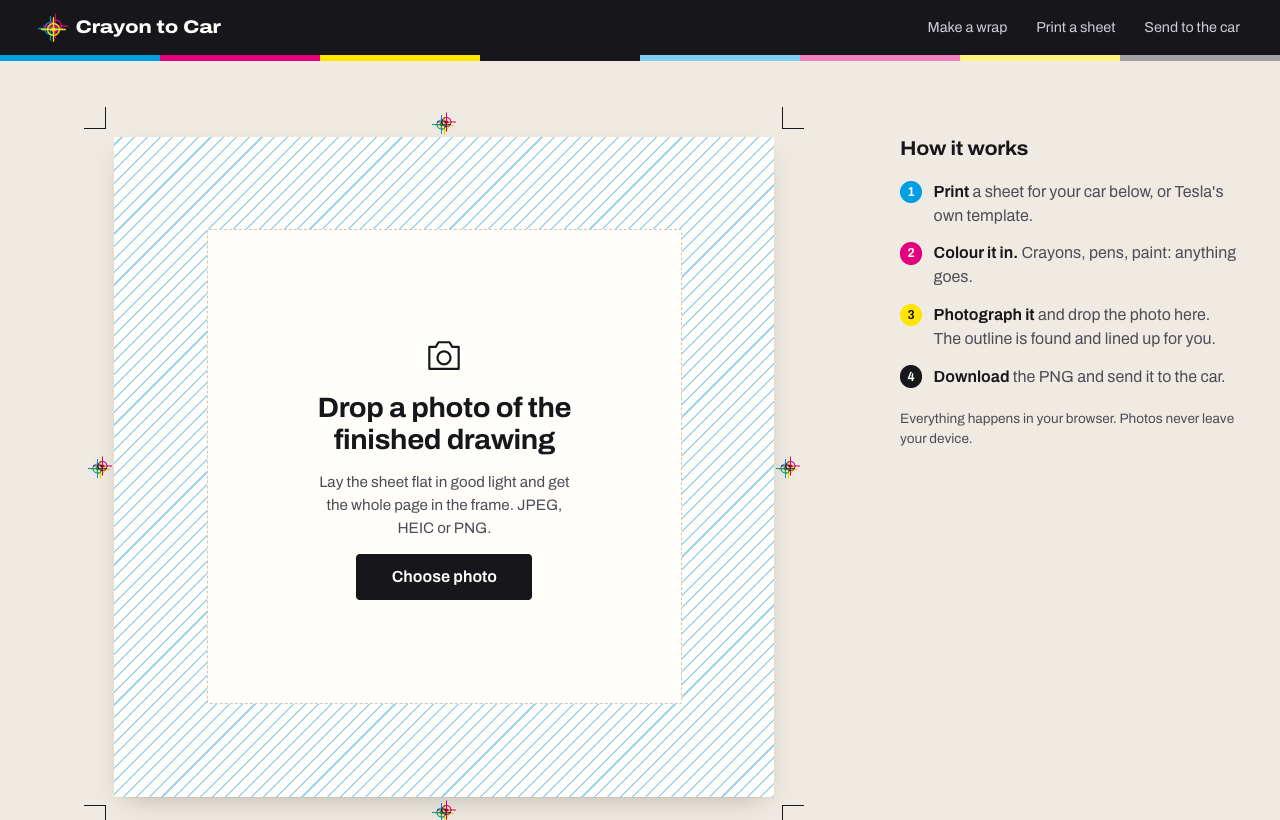
Crayon to Car turns kids’ drawings into Tesla wraps. They colour in a printed wrap template, you take a photo, and the app finds the template in the photo, lines it up, cuts out the parts that show on the car and saves a PNG for the car’s Paint Shop.
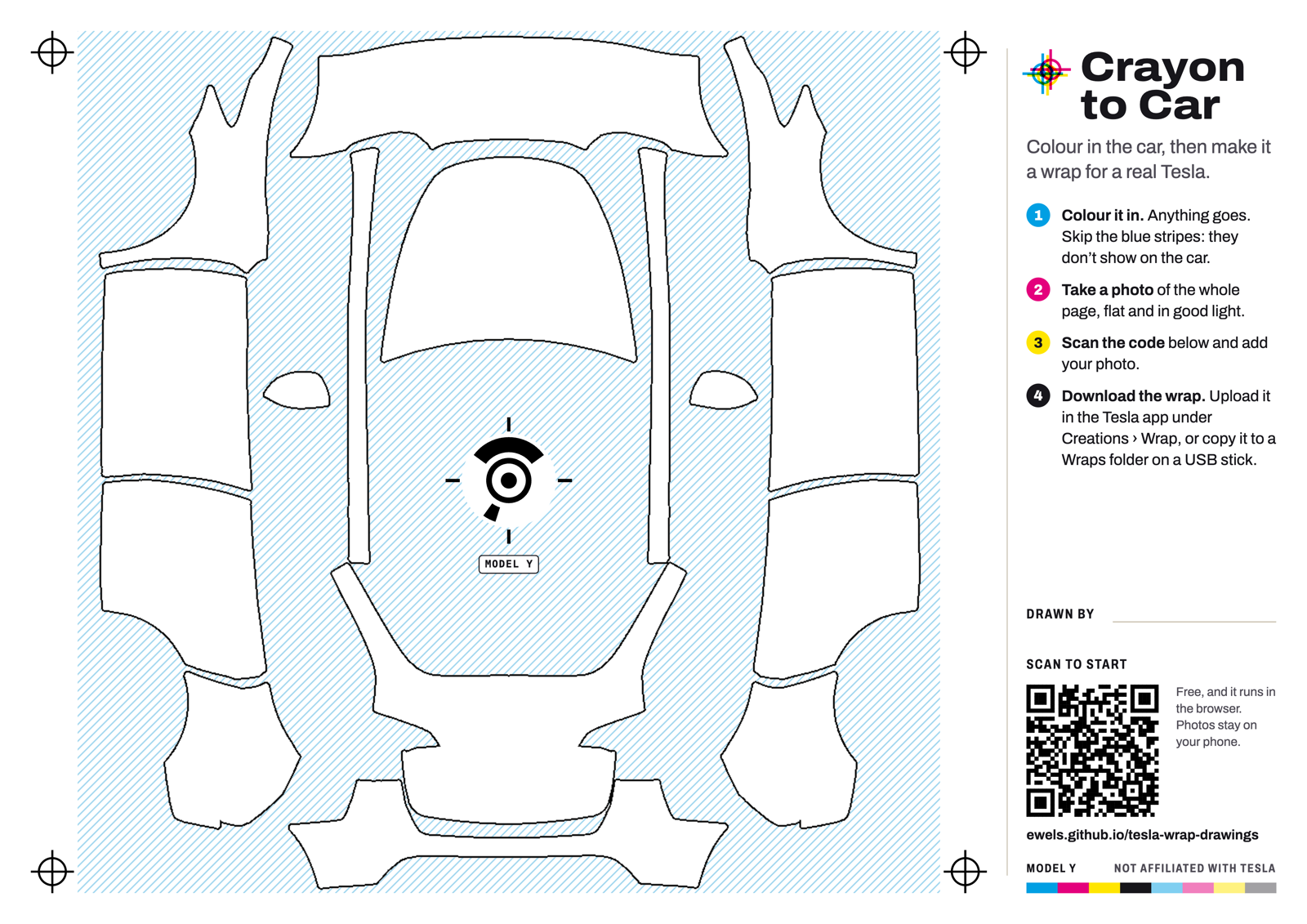
- Print a colouring sheet from the site (or Tesla’s own template) and colour it in.
- Photograph it and drop the photo on the page.
- Download the PNG, check it on a 3D model of the car, and send it to the car.
Everything runs in the browser. Photos never leave the device.
- Automatic alignment. Works out which car the drawing is for, and copes with rotated, tilted and shadowed photos.
- Tesla-ready PNG. Keeps the template’s transparency exactly, removes the printed outlines and stays under Tesla’s 1 MB limit.
- 3D preview. See the drawing on the car before you send it.
- Better colouring sheets. A4 landscape, with the parts that never show on the car hatched out and the instructions printed alongside. A printed mark in the glass roof tells the app which car it is and where the drawing sits, so the photo lines up first time.
- Installs on your phone. Add it to the home screen and it works like an app, offline too.
See the source code on GitHub.